Digital wedding invitations in Tanzania
Smart eCards &
Event Management
Design personalized eCards, send them on WhatsApp, and manage guest lists, RSVPs, and QR check-in in one place.
- 2 taps
- To RSVP online
- 3 sec
- At the gate
- 0 apps
- For every guest
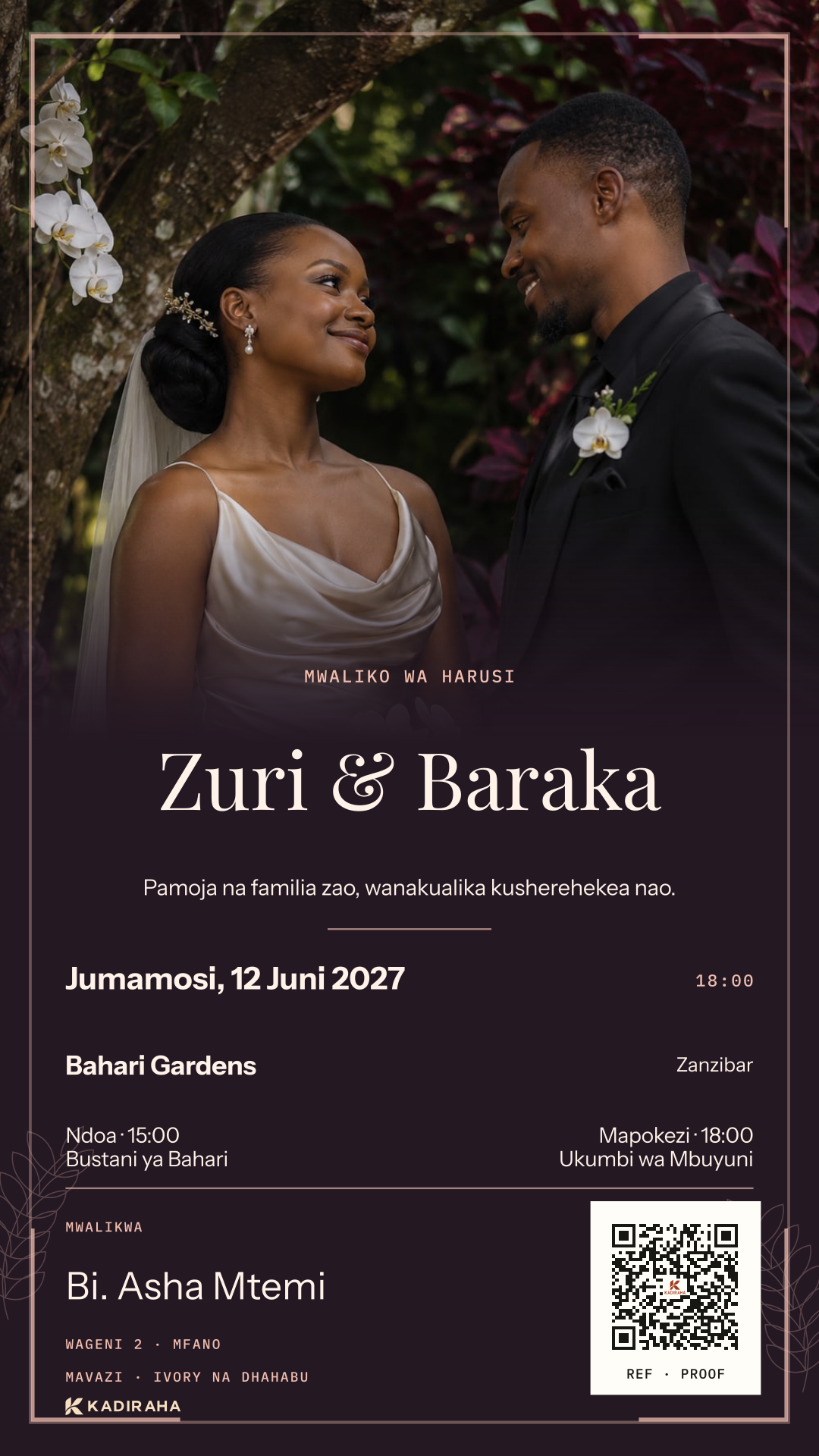
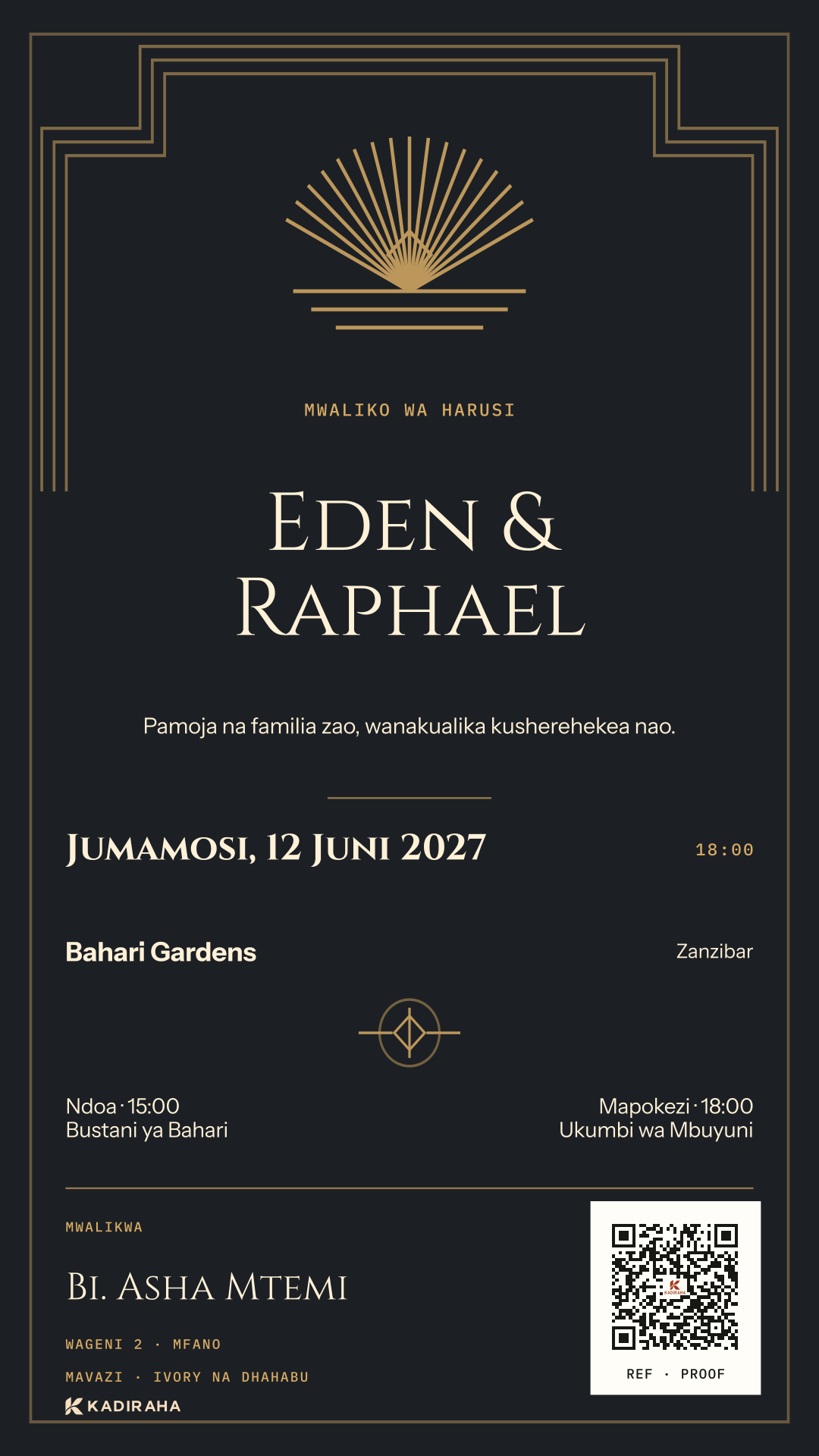
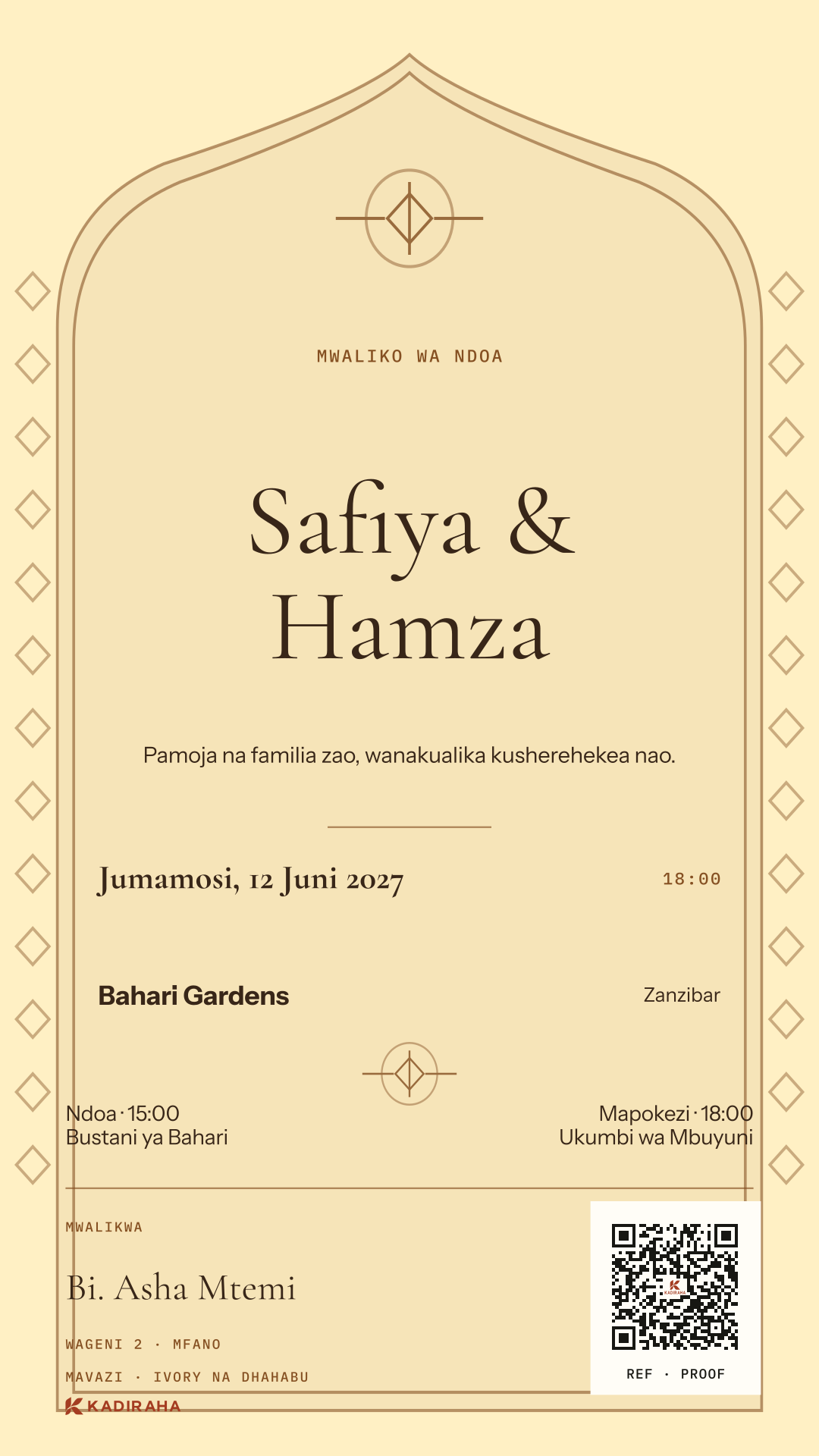
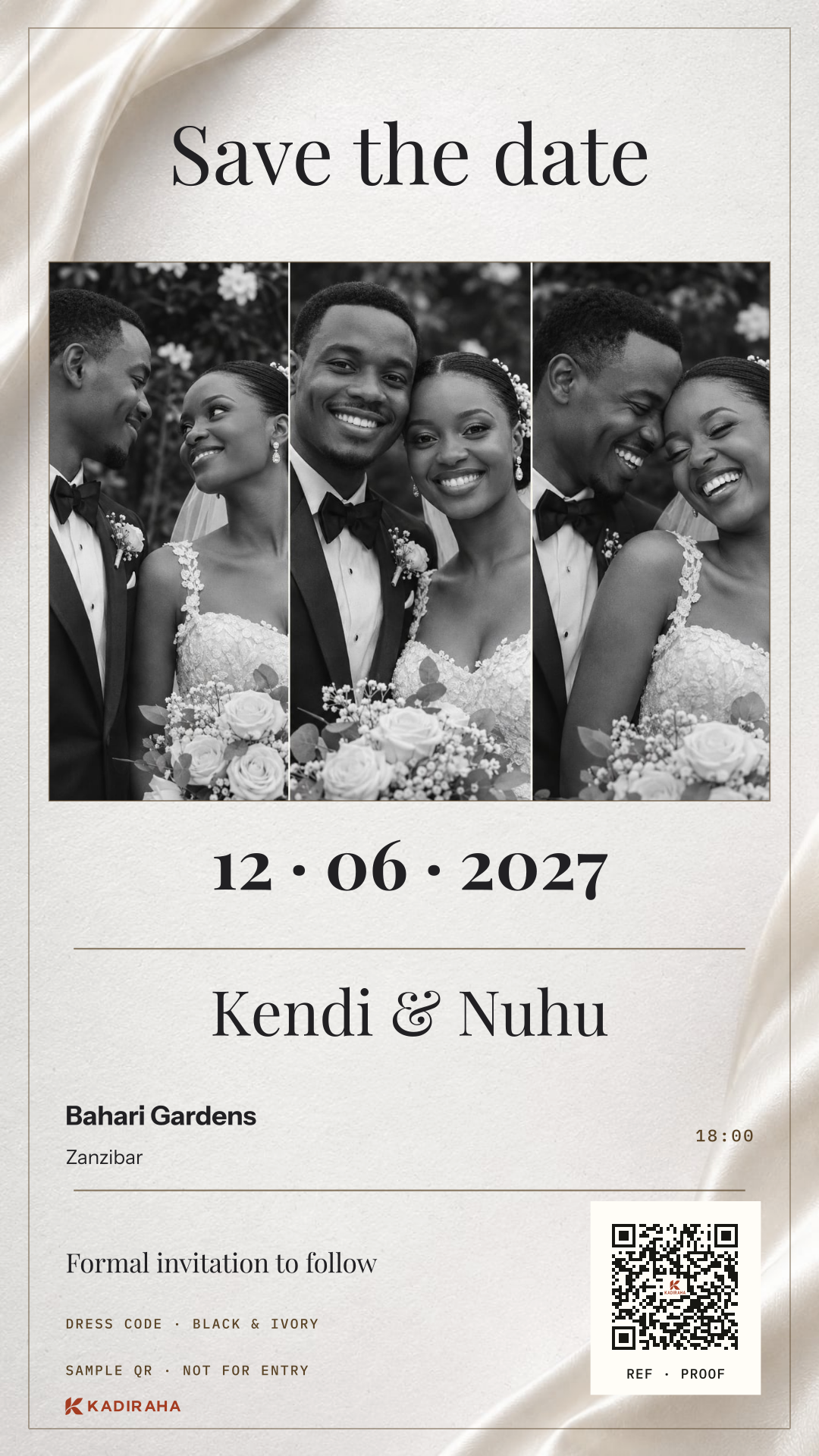
The Kadiraha wedding collection
Find a wedding card that feels like you.
From portrait-led wedding invitations to nikah cards and save-the-dates. Open a sample here, or make a design yours in Design Studio.
Browse all 29 templates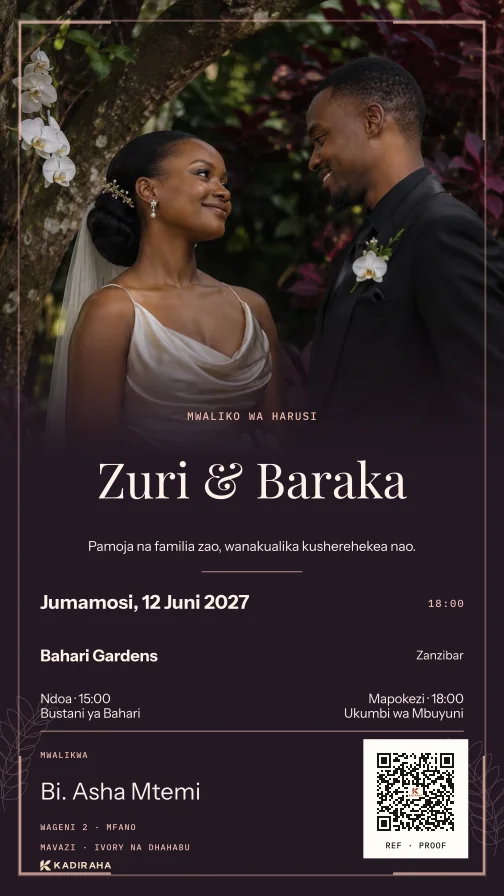
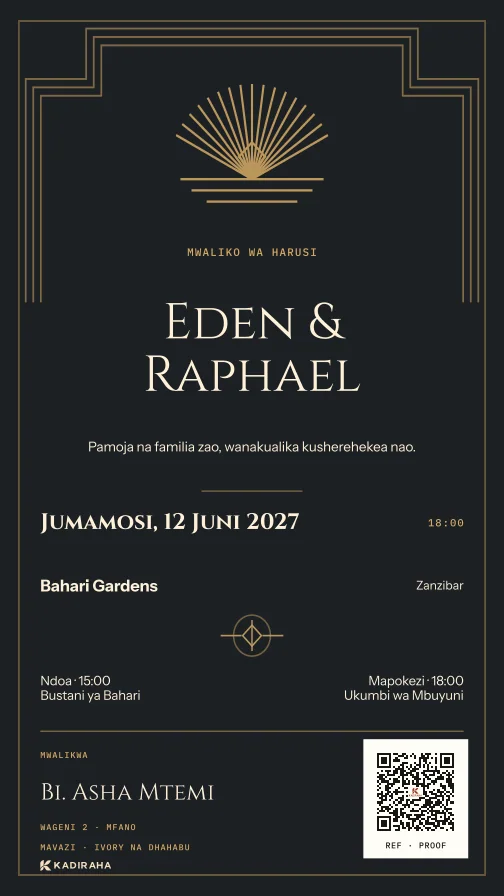
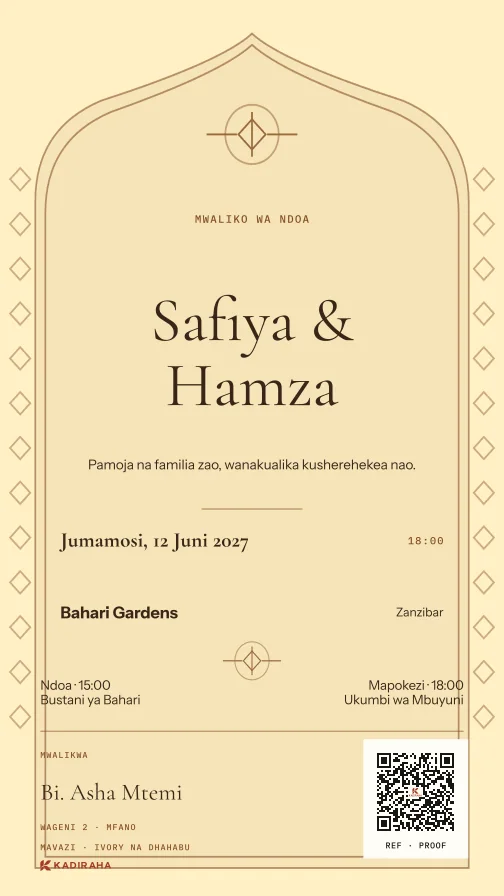
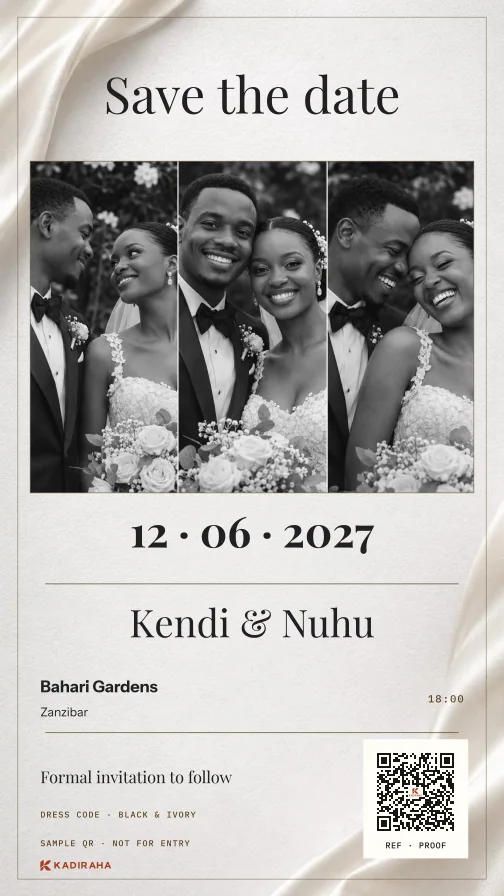
Samples use fictional details. Sample QR codes cannot be used for admission.
Kadiraha
Wedding invitation prices
Compare four packages, from digital invitation cards with entry QR codes to a private wedding website with online RSVP.
Basic
TSh 1,000 / card
Invitations and entry
- Personalized digital card with entry QR
- WhatsApp delivery; SMS where available
- Use the scanner app with training, or book a Kadiraha scanner operator with a TSh 35,000 travel fee
- Popular
Standard
TSh 1,500 / card
Event-day support
- Personalized digital card with entry QR
- WhatsApp delivery; SMS where available
- We call guests to confirm they received their cards
- On-site QR check-in with orders of 200 cards or more
- A thank-you message after the event
Premium
TSh 2,000 / card
Reminders and follow-up
- Personalized digital card with entry QR
- WhatsApp delivery; SMS where available
- A save-the-date or event reminder
- Follow-up calls to confirm guests received their cards
- Three reminders for contribution pledges
- Wedding website
Executive
TSh 2,500 / card
Your own wedding website
- Personalized digital card with entry QR
- WhatsApp delivery; SMS where available
- Everything in Premium
- A private invitation page for each guest with the programme, directions and online RSVP
- Minimum order: 200 cards
Included in every package
- A digital card with the guest’s name
- WhatsApp in English or Kiswahili; SMS where available
- A unique QR code for entry
- Map directions and event contacts
A Single or Double card counts as one invitation. Choosing a package opens WhatsApp. We’ll confirm your quantity and total before you book.
The guest journey
From the first invitation to the front door.
Follow one guest through Amina and Jabari’s example wedding: a WhatsApp invitation, an RSVP, and a QR check-in at the gate.
One example wedding · Three steps
- 01 · Invite
A card made for each guest.
Send the personalized card and full wording together on WhatsApp, in English or Kiswahili.
- 02 · Respond
Know who’s coming.
With Executive, guests RSVP on their private invitation page. With a card-only package, your team records their replies.
- 03 · Arrive
Scan, check, and welcome.
Scan the guest’s personal QR to see the entry decision and party size. Phones prepared in advance can scan offline.

The organizer workspace
One place to run your guest list.
Track invitation delivery, see who has confirmed, and get your entrance team ready before the first guest arrives.
Open organizer workspaceAmina & Jabari
- Guests
- 350
- Confirmed
- 241
- Checked in
- 186
- Delivery
WhatsApp delivery
See what reached your guests.
- Guest list
Attendance
Follow RSVPs and record replies.
- Check-in
Garden Gate
Know which phones are ready to scan.
The tools behind the welcome
From planning to the last guest through the gate.
01 · Plan
Set the details.
Bring together the guest list, venue and programme.
- Overview
- Guests
- Programme
- Venue
02 · Reach
Send with care.
Design the card, preview the wording and track replies.
- Design Studio
- Invitations
- Messages
- RSVP
03 · Prepare
Get the team ready.
Give staff the right access and prepare the scanners before the event.
- Team
- Readiness
04 · Run
Welcome your guests.
Keep track of entry, arrivals and attendance on the day.
- Live Control
- Gates & Check-In
- Insights
Good to know
Before you send the first card.
Answers about templates, RSVP, and check-in. Ask us a question if you need help choosing.
What does Executive add to a digital card?
Executive also includes a private invitation page with online RSVP. Every package includes a personalized invitation card and guest QR. With a card-only package, your team records attendance replies in the workspace.
Do guests need to install an app?
No extra app or guest account is required. The invitation arrives in WhatsApp. If you choose Executive, the private invitation page opens in the guest’s browser.
Can I try a template before setting up an event?
Yes. Preview, download or share the sample cards for free. The sample QR codes can’t admit anyone. Personalized cards get a QR linked to the guest.
Can my entrance team scan without internet?
Prepare each staff phone online before the event. A prepared phone can scan even if its connection drops. When it comes back online, sync the scans to the event.
Can one invitation cover two or more people?
Yes. Set the party size on the guest record. The entry pass tells the entrance team how many people the invitation covers.
Your wedding · your way
Ready to invite your guests?
Start with a wedding card you love. Then put your guest list, invitations and gate team in one place.
Get help from us
Talk to our team about choosing a package or preparing your invitations.
Contact Kadiraha Chat on WhatsApp